Rode Makes Remote Recording A Breeze That Sounds Amazing!

 Apple Podcasts

 Spotify

 Amazon Music

 Overcast

 RSS Feed

 YouTube
Episode #014 – The Game-Changing ‘Call Me’ Feature for Rodecaster Pro 2 & Duo
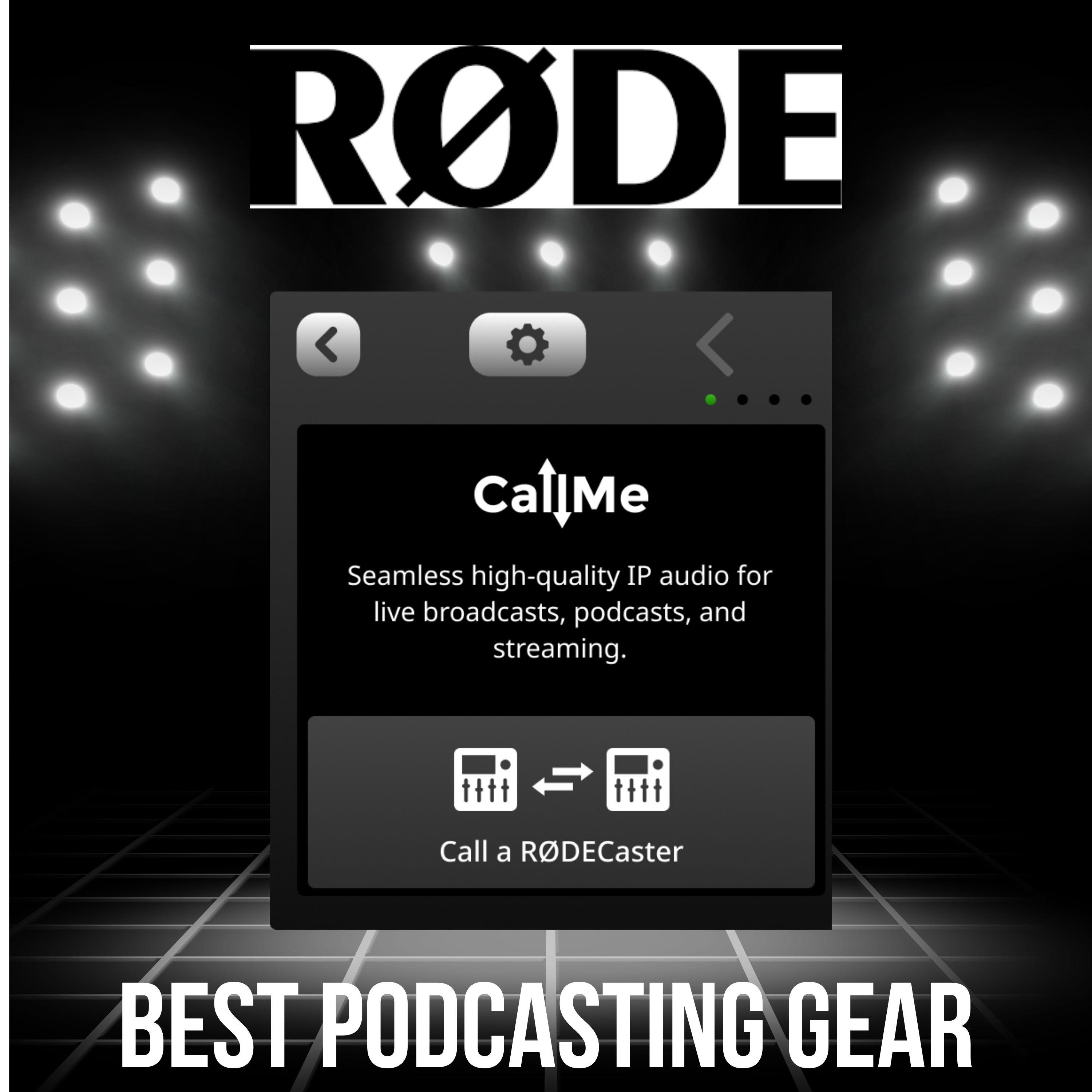
Are you podcasting with co-hosts or guests located miles away and wish you could sound like you’re in the same room—without breaking the bank? In this episode, Dave Jackson dives into Rode’s newest update: the ‘Call Me’ feature for the Rodecaster Pro 2 and the Rodecaster Duo.
Dave shares his hands-on experience with the new feature, how it dramatically improves remote audio quality, and why it might be a game changer for podcasters who value seamless, pro-sounding remote interviews.
Key Topics & Takeaways
Rodecaster Pro 2 vs. Duo
- Pro 2 supports up to 4 mics and a computer connection (great for multi-host podcasts, $700).
- Duo is more compact, supports 2 mics (ideal for solo hosts or single co-hosts, $500).
- Both now come in black and white!
What is ‘Call Me’?
- Lets you connect seamlessly with remote co-hosts or guests.
- Offers crystal clear audio, much closer to “in the same room” quality than usual online calls.
- Simple to use: Click, type in a code, and connect—no software needed for guests!
- Works best when both parties have a Rodecaster, but web guests can join too.
Perfect for Live Shows—with Special Instructions
- Great for live streaming (YouTube, Facebook, etc.), but be aware of streaming delays.
- Listeners joining live must mute the broadcast tab to avoid echoes and awkward silences.
- Dave shares tips for educating callers to avoid common live podcast mishaps.
Cost & Value
- ‘Call Me’ is free for one guest at a time.
- Want multiple remote guests? Plans start at about $10/month for extra connections.
- Note: The cost of the Rodecaster hardware itself (Pro 2 or Duo) is the main investment.
Dave’s Verdict
- The new feature floored him with its simplicity and sound quality!
- Bonus tip: His preferred vendor, Sweetwater, provides extended warranty, tech support, and even candy in the box.
### Resources & Links
(Live Saturdays 10:30 am EST)](https://askthepodcastcoach.com/live)

00:22 - Rodecasters Pro Vs Duo
01:29 - CallME Feature
02:40 - Using It For a Live Stream
04:45 - Best Use Scenario
0:00 If you're starting a podcast and your co host is across the country, you might want to put out a little extra money to make it sound like they're in the same room. Hey, welcome to Best Podcasting Gear. I'm Dave Jackson from theschoolofpodcasting.com this is where we help you sound like a million bucks without spending a million bucks. And today I'm talking about an update that came out from Rode. If you are using either the Rode, it's called the Rodecast Pro 2. So not the first one, the second one, or the Rodecaster duo. Now, the duo goes for 500 bucks, the Pro goes for 700 bucks. The difference between the two is the duo, as the name implies, is great if you have one co host.
0:54 The Pro 2 allows you to plug in four different microphones plus connect to your computer. So it's really versatile. So, but now for me, I had the Rodecast Pro 2. I sold it and got a duo because I hardly ever have more than one co host, and number two, the thing took up half my desk. So depending on your scenario, they now have them in in white if you want, you know, a pretty one that's cute, et cetera, et cetera. But what I'm here to talk about is they added this feature called Call Me. And what this does is it, obviously we're using the Internet, that's how we're connected, but it does it in a way that it doesn't compress the signal as hard.
1:43 And so I had a friend of mine connect his Rodecaster, and it was so simple. You click a button, you type in some numbers, and he was directly connected to mine. And I'm here to tell you, I thought he was in the room with me. It was amazing. Plus, because you're dealing with the Rodecaster, you've got all that great onboard processing that makes you sound amazing. And if you wanted to do this with guests and, well, they don't have a Rodecaster, you can simply give them a link and they can connect via the web. And again, super simple. This does not capture video. This is for audio only.
2:26 But it's super simple. They don't have to install any software, and it makes them sound amazing. So I saw this, I played with it. I was like, this is great. And I do a live show every Saturday called Ask the Podcast Coach. You can find me Saturdays at 10:30 Eastern by going to school or a school of podcasting by going to ask the podcastcoach.com live. And this is available for people to Connect to. But if you're doing a live stream, if you've ever listened to live radio, for those of us that remember radio, and a caller would call in and you would hear this weird echo and you would hear the radio host scream, please turn down your radio. Please turn down your radio. If you're doing a live stream, you are going to need to do some education to your callers because what happens, I do this every Saturday.
3:36 I'm live on YouTube. Well, YouTube is about, I don't know, let's say 15 seconds behind what I'm actually saying. By the time it gets to my audience live, they're 15 seconds behind. So what happens is when somebody connects via road call me, they are now live with me. They are 15 seconds ahead of what they're saying. YouTube. And so what happens is when you say, hey, I see Tim is here, because you'll see their name come up on your screen and you say, yes, connect. And you're like, tim, you're on with Dave and Jim. What's your question? And then you sit there and wait for 15 seconds because Tim is listening to the YouTube channel. So you have to. What I did was I made a page with the link that explained that, hey, if you're calling during the live show, and that's the only time I take these how to right click on the live streaming tab and mute it. It's like once you connect, mute that because otherwise you're going to have this weird delay. So that's where if you want to have callers during your live show, you're going to have to do some education. Now they sound great when they connect. I had somebody connect using their phone and they still sounded great. So it's a great tool.
4:59 And I see this more as people that want to connect to their co host. Now it is free. Now if you want to have more than one person connect. So let's say you've got a Rodecaster Pro 2 and you've got multiple channels. It's something like $10 a month to have more than one person connect via call me for X amount of hours. But the pricing on this is very affordable. And except for the unit, right, the Rodecaster again, The duo is 500. The Rodecaster Pro 2 is 700. But if this is something that you're ready to take your audio to the next level and you've got a decent sized desk, if you're gonna go with the Rodecaster Pro 2, I'm here to tell you I was floored by the audio when my friend connected who also had a rodecaster. So now if you don't have a rodecaster and only one of you has one, that will work as well. Not quite as good, but definitely very, very cool. But just realize if you're doing this for a live stream and so you're going out over YouTube and maybe Facebook or LinkedIn Live or, you know, Rumble, you know, all those different sites, you're going to have to educate your audience that once you say, you know, hey, you're on with, you know, you, that they have to mute that tab. Otherwise it's just an absolute mess with echoes and delays and things like that.
6:26 So when this came up, I was like, oh, I have to tell the best podcasting gear audience about this, because this really is a game changer. It's not cheap, but if you've got the budget, this is something. And you're, you're also. I guess I should throw in there. You're also not worried about capturing video. This is something you definitely might want to check into. I've got links in the show notes. My preferred vendor is Sweetwater because they give you additional warranty time and they offer tech support. I love Sweetwater. And if that's not enough, they put candy in the box. I know, I love them. Check it out. Links are in the show notes.


